Build a Small Offline Arrival Pack for a Weekend Trip
Keep the information needed for the first arrival available without a live connection. A small offline pack can cover the address, booking details and final route while keeping sensitive codes private and acknowledging what offline tools cannot update.
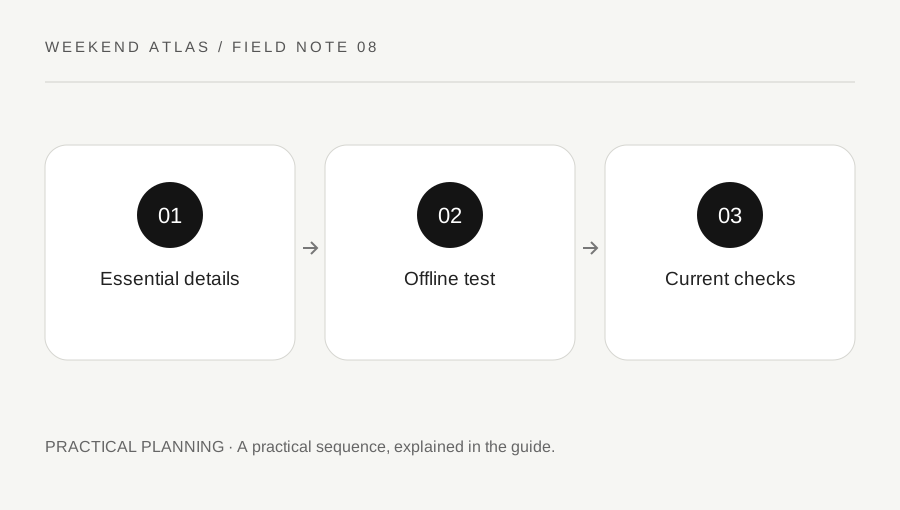
Original explanatory diagram. Examples illustrate a method or decision; they are not claims of personal testing.
Choose information by the first real actions
Imagine arriving with a weak signal and ask what you need to do next. Find the correct station exit, reach the property, identify the entrance and contact the provider if necessary. Save those details first. A large folder of travel inspiration is less useful than one clear arrival note with the actual address and instructions.
Include the booking reference, provider contact route, expected arrival window and any confirmed access information. Keep names and addresses exact, including local spelling where useful. For an illustrative city stay, the property street entrance may be more important than the central map pin. Check the source against the current reservation rather than copying an old itinerary.
Save maps with their limits understood
Use the supported offline feature of the map tool you intend to carry, where available. Check the area coverage and current help page. Google Maps explains that some regions cannot be downloaded and that its offline mode does not provide transit, walking or cycling directions. Do not assume an offline map reproduces every online feature.
Save an appropriate official local map or written final-route description as needed, respecting the source use conditions. If a walking route is essential, inspect it while connected and use suitable offline information for that task. A static screenshot can show a location but will not respond to a closed entrance, a service change or a route you misunderstood.
Keep tickets and access details usable and private
Check whether the provider supports offline ticket display and whether an app must remain signed in. A screenshot may not work for a ticket with a changing code, and some booking confirmations are not the actual travel ticket. Follow the operator’s instructions rather than assuming every QR-shaped image is sufficient.
Store property access information securely and share it only with authorised travellers. Do not place door codes, full identity documents and payment information into a widely shared itinerary. Separate a general group plan from private access details. If a service requires a live step, identify that limitation and prepare the supported alternative rather than concealing it in the pack.
Test the pack before departure
Open the saved files and app content while temporarily offline in a controlled check. Confirm that the address, instructions and map are actually stored rather than represented by a shortcut to a web page. Check readability on the phone screen and whether another authorised traveller needs a copy. Restore normal connectivity after testing.
For an illustrative test, try finding the property entrance information from the lock screen through your normal device access, then locate the provider contact details. Do not expose private codes in public while practising. Keep the pack small enough that the needed item is obvious. A folder that only its creator can navigate may be difficult to use after a tiring journey.
Separate saved facts from live conditions
Check current transport, weather and property messages before travelling and again when a connection is available. Offline information is a fallback, not a live status service. National Rail, for example, provides current journey alerts and running information that a saved timetable cannot reproduce. Note when a consequential detail was last confirmed.
After the trip, remove expired access codes and unnecessary personal material through your normal secure process. Keep only reusable non-sensitive planning notes. Before the next journey, build from the new reservation rather than duplicating the whole old pack. The aim is a dependable first-arrival aid with clear limits, not a permanent archive of every private detail from every trip.
A practical checklist
Choices are saved in this browser. Reset them here or clear this site’s browser storage.
Questions that come up
Will a saved map provide live transit changes?
No. Check current operator information when connected and understand the offline tool-specific capabilities.
Is a ticket screenshot always valid?
No. Follow the provider’s instructions, especially for changing codes or app-based tickets.
Should the group itinerary include door codes?
Keep sensitive access details separate and share only with authorised travellers.
References & scope
Background references checked on 18 October 2026. Worked examples and diagrams are original teaching material.